 3D Model
 Editor
Rotate, translate and scale a GLB, tune PBR color tint, metalness and roughness with 32-step undo/redo, and save a new version in your browser without generation credits.
Introduction
3D Model Editor
Rotate, translate and scale a GLB, tune PBR color tint, metalness and roughness with 32-step undo/redo, and save a new version in your browser without generation credits.
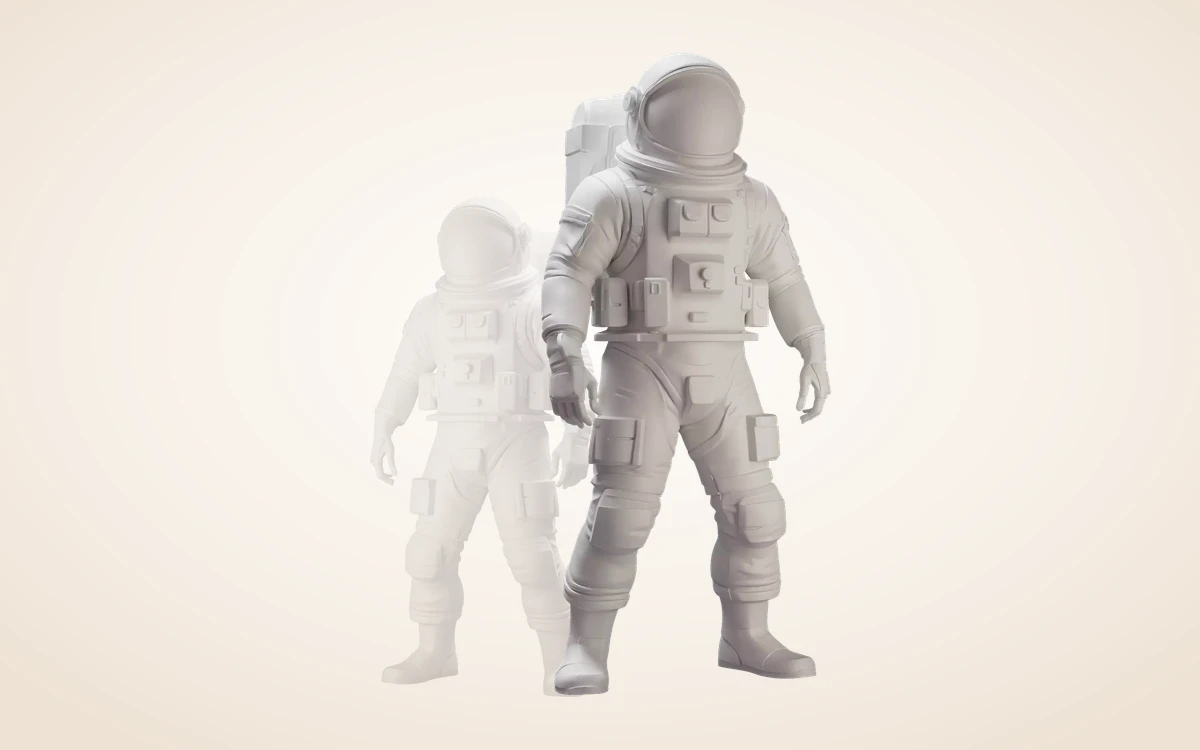
Precision orientation & scale transforms
Adjust X/Y/Z rotation, position and uniform scale—ideal for calibrating +Y up and +Z forward before submitting a character to Rigging.
How to use
How to edit orientation & PBR materials in browser
Calibrate transforms and surface look with 32-step undo/redo and save new versions at 0 generation credits.
 0 CREDITS
Load a GLB or saved version
Open any completed version from your library or drag a local GLB into the editor. Every edit is non-destructive so your original asset stays intact.
 TRANSFORM & PBR
Align axes & tune surface finish
Dial X/Y/Z rotation, position and scale—ideal for aligning +Y up and +Z forward before rigging—and adjust base color tint, metalness and roughness with undo/redo.
 BRANCH VERSION
Save a new version or download
Export the calibrated GLB straight to disk or save it as a new account version at 0 credits, ready for Rigging, Low Poly or external 3D apps.
Features
Non-destructive PBR surface tweaks
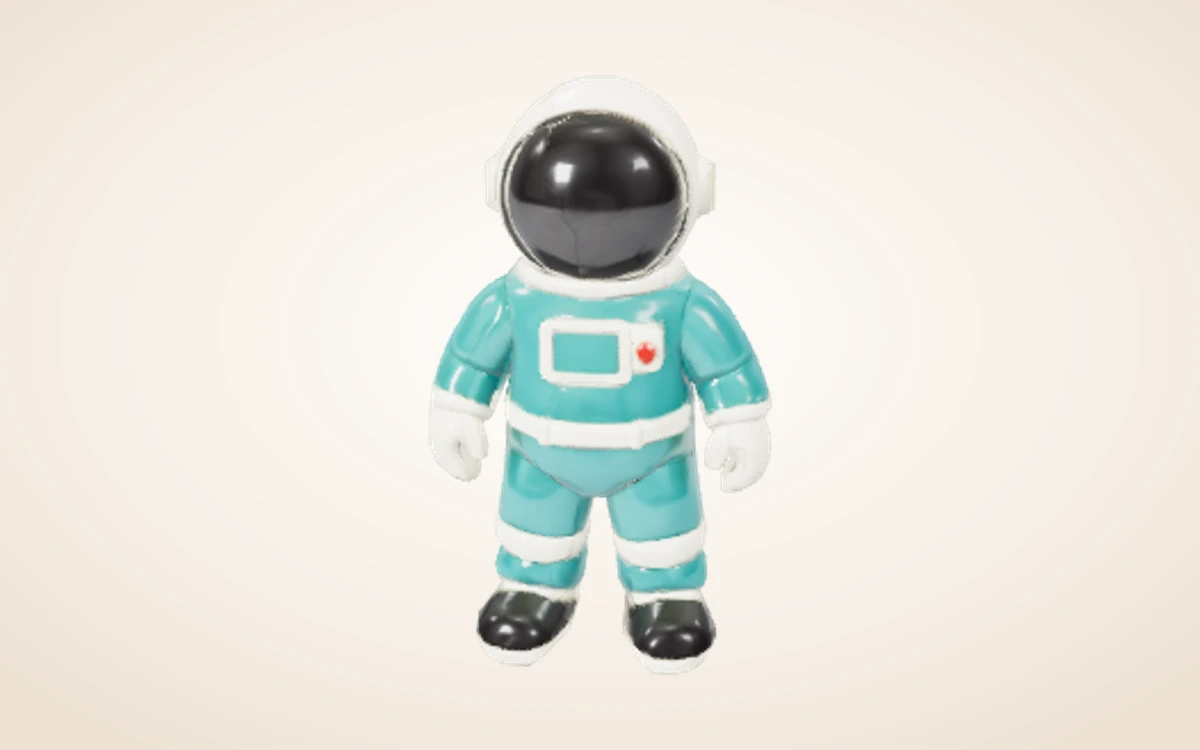
Fine-tune base color tint, metalness and roughness on detected PBR materials while preserving underlying texture maps, backed by full undo/redo history.
Save branched versions at 0 credits
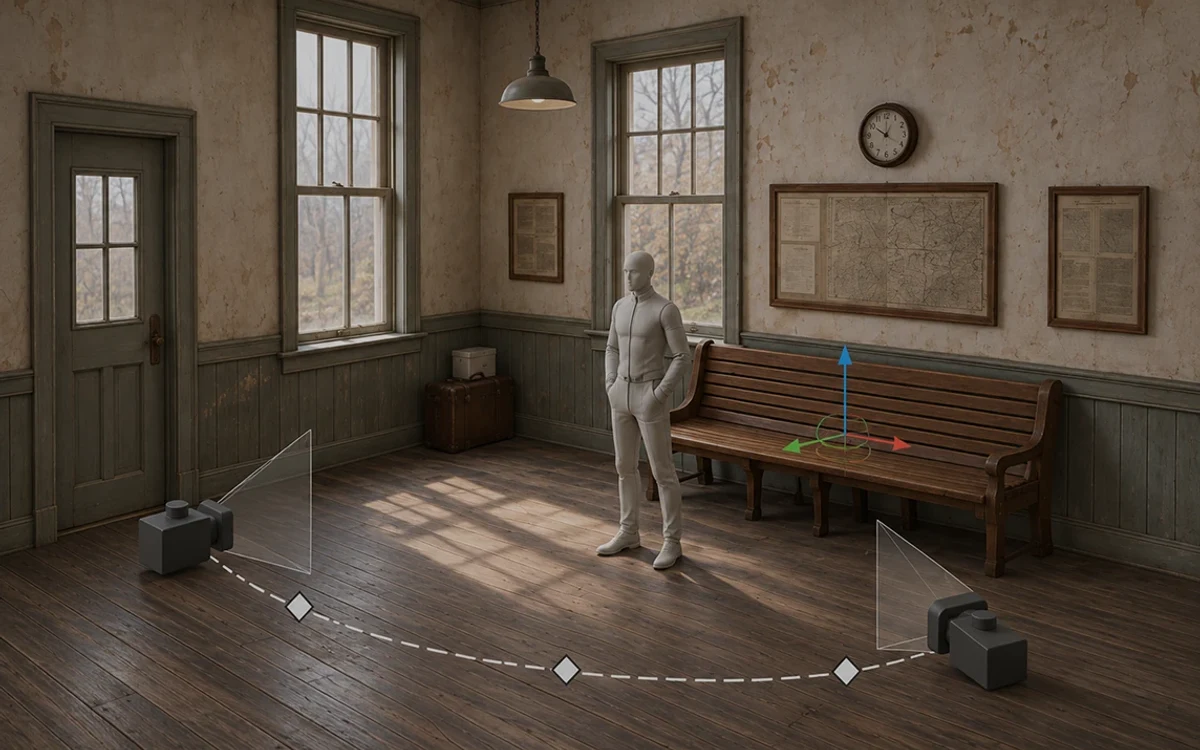
Export locally or save your edited GLB as a new version in your account so the untouched source remains available for comparison.
Workflow examples
Illustrative ways to plan, generate, and review your work.
3D Model workflow examples
Precision orientation & scale transforms
Adjust X/Y/Z rotation, position and uniform scale—ideal for calibrating +Y up and +Z forward before submitting a character to Rigging.
Non-destructive PBR surface tweaks
Fine-tune base color tint, metalness and roughness on detected PBR materials while preserving underlying texture maps, backed by full undo/redo history.
Save branched versions at 0 credits
Export locally or save your edited GLB as a new version in your account so the untouched source remains available for comparison.
Viewing and local exports use no generation credits.
3D Model Pricing and Credit Plans
Cancel anytime
All 3D, image, video and creative tools share universal Credits (1 US cent = 1 credit). Exact quotes appear before every submission, and failed runs automatically release reserved credits. Local 3D viewing and exports use 0 credits.
Pay once annually; receive 1/12 of your annual Credits each month. The first allocation arrives after payment, then monthly. Tax included. Each allocation expires at the next subscription month or paid-year end.
Lite
50% off0.025 / credit
$14.9/month equivalent · Billed $179· Save $179.8
Annual total: 7,200 credits, issued monthly
Video Models


Image Models


- Includes MiniMax H3 and all premium models
- Up to 1 batch generation task
- Standard generation speed
- Standard generation success rate
- Standard customer support
- Commercial Use License
Standard
50% off0.017 / credit
$24.9/month equivalent · Billed $299· Save $299.8
Annual total: 18,000 credits, issued monthly
Video Models
Image Models
- Includes MiniMax H3 and all premium models
- Up to 4 batch generation tasks
- Priority processing speed
- High generation success rate
- Priority customer support
- Commercial Use License
Pro
50% off0.014 / credit
$49.9/month equivalent · Billed $599· Save $599.8
Annual total: 43,200 credits, issued monthly
Video Models
Image Models
- Includes MiniMax H3 and all premium models
- Up to 10 batch generation tasks
- Fastest generation speed
- High generation success rate
- Dedicated account manager
- Commercial Use License
Max
50% off0.012 / credit
$99.9/month equivalent · Billed $1,199· Save $1,199.8
Annual total: 96,000 credits, issued monthly
Video Models
Image Models
- Includes MiniMax H3 and all premium models
- Up to 10 batch generation tasks
- Fastest generation speed
- High generation success rate
- Dedicated account manager
- Commercial Use License
Pay safely and securely with





















FAQ
Frequently asked questions
How are credits charged?
Each generation or processing step shows an exact quote before submission (e.g. Rodin Fast 10 credits, Standard 40 credits, BANG/Texture/PolyGen 15 credits, Rigging 20 credits). Failed runs automatically release reserved credits. Browser viewing, transforms and local exports use 0 generation credits.
What files can I continue editing?
Use a self-contained GLB smaller than 100 MB for further AI processing. Saved versions stay in your Assets library with all archived output dependencies.
What are the practical limits?
Focused on whole-object transforms and PBR material sliders. Sculpting, boolean mesh ops, AI region editing and per-face painting are not included.
CTA
Give your next idea a 3D shape
Rotate, translate and scale a GLB, tune PBR color tint, metalness and roughness with 32-step undo/redo, and save a new version in your browser without generation credits.
Start creating